Salesforce Classic worked well for businesses for many years. However, as digital change speeds up, companies need stronger CRM tools, a better user experience, and modern automation solutions.
This is why Salesforce launched Lightning Experience, a redesigned CRM platform that offers better performance, smarter features, and a more user-friendly interface.
Many organizations are now shifting from Salesforce Classic to Lightning to benefit from these improvements.
Understanding Salesforce Lightning
Salesforce Lightning is a modern CRM interface aimed at boosting productivity, improving usability, and supporting advanced automation features.
Unlike Classic, Lightning provides a more engaging user interface, faster workflows, and built-in AI capabilities that help users make smarter decisions.
Lightning is also designed to support future Salesforce updates, including AI-driven tools like Agentforce.
Why Are Businesses Migrating to Lightning?
The main reason organizations move to Lightning is efficiency.
Lightning provides modern tools that assist teams in working faster and handling data more effectively.
It also enhances collaboration across departments, making it simpler to share insights and manage workflows.
Key Benefits of Salesforce Lightning
Improved User Experience
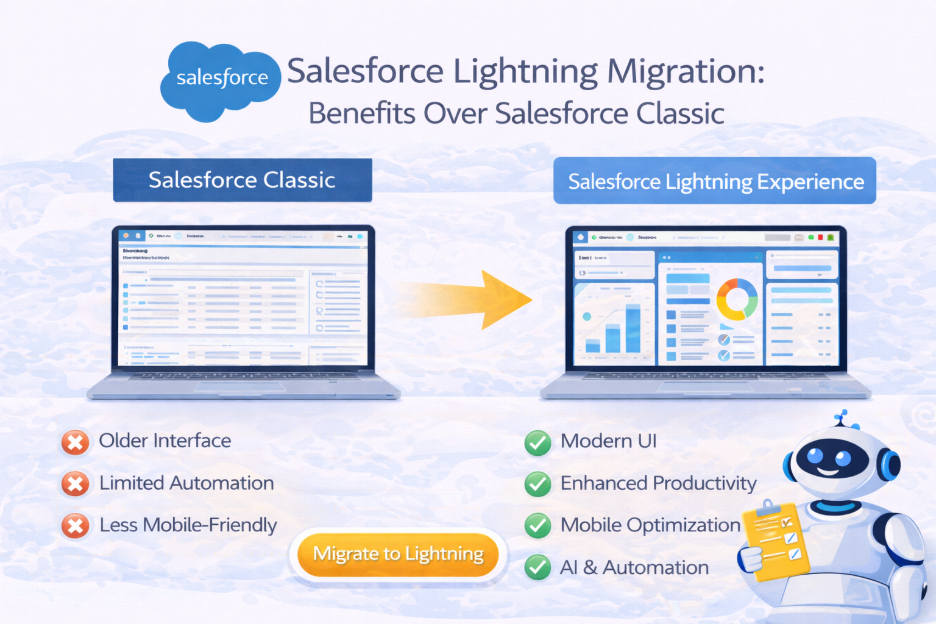
Lightning features a modern interface that is more intuitive than Salesforce Classic. Users can find information quickly and handle tasks more efficiently.
Better Productivity
Lightning includes tools like customizable dashboards, automated workflows, and simple drag-and-drop functions that decrease manual effort.
AI and Automation Capabilities
Lightning includes Salesforce AI features and automation tools not available in Classic.
Mobile Optimization
Lightning is built to work smoothly across devices, allowing teams to access CRM data from anywhere.
Future-Ready Platform
Salesforce is continually focusing its innovations on Lightning, meaning new features and updates are primarily available to Lightning users.
Migration Strategy
Successful migration to Lightning involves evaluating existing CRM setups, recognizing customizations, and testing new workflows before full deployment.
Organizations should also train employees to ensure smooth adoption.
Conclusion
Moving to Salesforce Lightning helps organizations modernize their CRM systems and tap into advanced automation features.
Cloud Analogy supports businesses with comprehensive Salesforce consulting services, helping organizations smoothly transition from Classic to Lightning.
With our expertise in Salesforce AppExchange app development services and Salesforce agentforce implementation services, our team offers scalable solutions for enterprises worldwide.
As trusted Salesforce consulting partners, Cloud Analogy helps companies get the most value from their CRM investments.
Follow us on social media for CRM insights and book a demo today to explore Salesforce transformation solutions.